 JSON All-in-One

Generate Kotlin data classes from JSON
Kotlin generation is useful when you have a backend or mobile response and want a first pass at data classes. JSON All-in-One can infer Kotlin model shapes from local JSON, including nullable fields and nested objects.
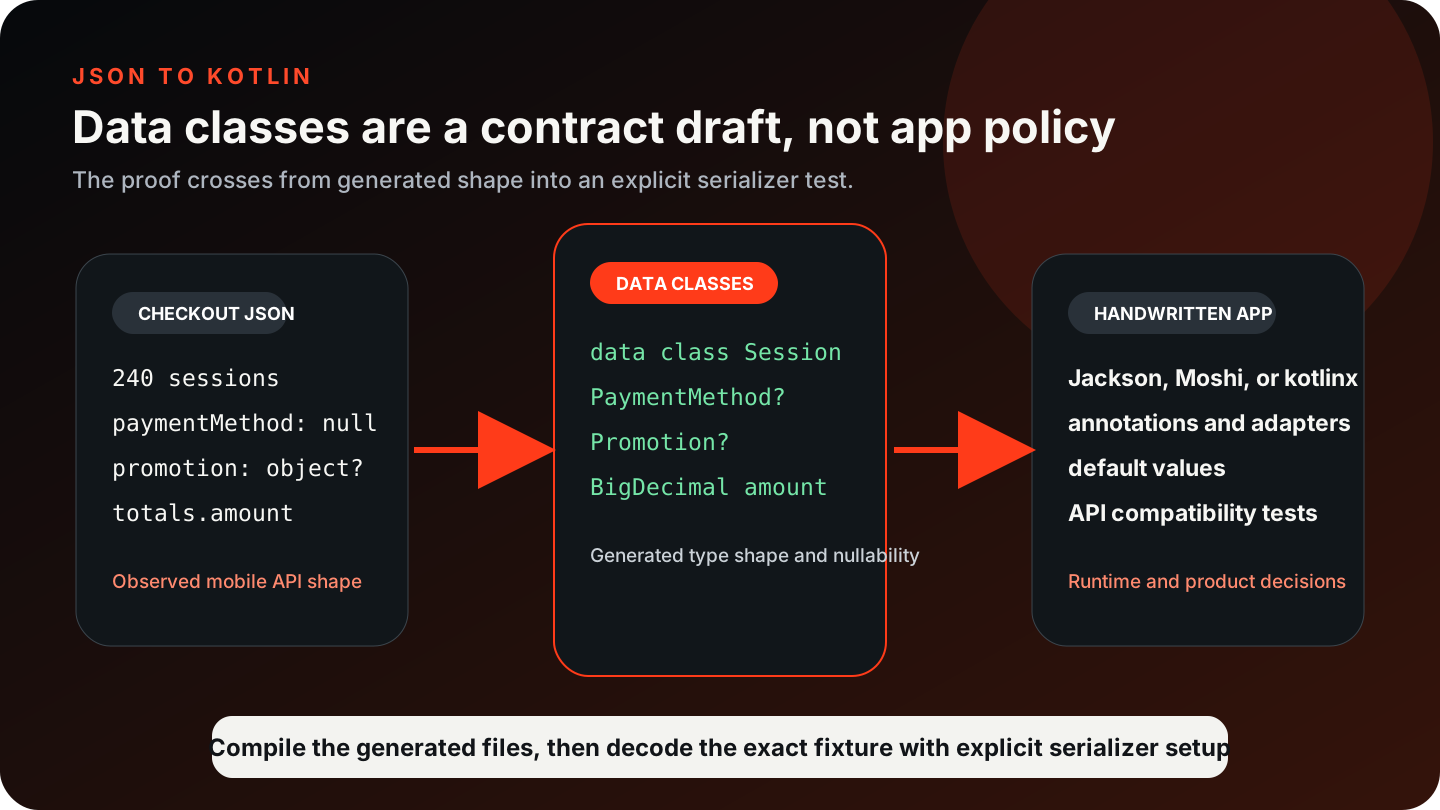
The generated models do not include serialization-library annotations. Choose and configure your serialization library separately, including any annotations or adapters your application needs.
Use a Kotlin-shaped API example
This mobile feed response includes a nullable nested object, a list, snake_case keys, a key that needs a safer Kotlin name, and a large counter. It gives the generated model enough texture to discuss ?, package names, and numeric policy.
If your sample comes from Android logs or a backend contract, keep the original key names. The generated model may preserve snake_case names and only sanitize Kotlin-reserved words, so any later property renaming needs explicit serializer annotations or mapping code.
{
  "feed_id": "home",
  "items": [
    {
      "item_id": "post_101",
      "kind": "article",
      "published_at": "2026-09-04T08:30:00Z",
      "author": { "display_name": "Mina", "is_staff": false },
      "read_count": 9007199254740993,
      "class": "featured"
    },
    {
      "item_id": "post_102",
      "kind": "note",
      "published_at": null,
      "author": null,
      "read_count": 12,
      "class": "standard"
    }
  ]
}
Read the data class output
Kotlin exposes Data class and Class style options. Data classes are the natural starting point for immutable-ish response models. The generated fields should make nullability visible: Author? means the value can be null, and String? on a timestamp means the sample did not prove a present non-null date.
After generation, check the top of each Kotlin file before compiling. If a single-file output places imports after a data-class declaration, move those imports to the top or switch to the multi-file output and compile again.
package dev.example.feed

data class FeedResponse(
    val feed_id: String,
    val items: List<Item>
)

data class Item(
    val author: Author?,
    val class_value: String,
    val item_id: String,
    val kind: String,
    val published_at: String?,
    val read_count: Long
)

data class Author(
    val display_name: String,
    val is_staff: Boolean
)
Review nullability before it spreads
Kotlin makes nullable types visible, which is helpful only if the sample is representative. A missing object in one fixture may produce a wider type than you want; a single non-null example may produce a narrower type than the API actually allows.
Date/time defaults to string for Kotlin in the current option defaults, with a native option available in the policy controls. If you choose native dates, check the generated imports and add whatever adapter or parsing code your project uses.
| JSON signal | Kotlin review point | Do not overclaim |
|---|---|---|
author: null | Author? | This does not validate future payloads. |
published_at date string | String or native date policy | No serializer adapter is implied. |
class key | Safe Kotlin identifier such as class_value | Add serializer mapping if you later rename it. |
Large read_count | Long or BigInteger | Compile and decode before relying on it. |
Add serialization glue explicitly
The Kotlin target does not generate kotlinx.serialization, Moshi, Jackson, or Gson annotations. Add any annotations and adapters required by the serialization library your application uses.
For many teams, the generated data classes are still valuable as a review artifact. You can compare them with the API response, decide whether names and nullability are right, and then add the annotations or mapping layer your project already standardizes on.
fun renderTitles(feed: FeedResponse): List<String> =
    feed.items.map { item ->
        val author = item.author?.display_name ?: "Unknown author"
        "${item.item_id} by $author"
    }
Workflow checklist
- Paste a response that includes nulls, absent fields, nested objects, lists, and awkward key names.
- Select Kotlin and choose Data class or Class.
- Set the package name and prefer multi-file output if single-file output places imports below declarations.
- Review nullability, dates, large numbers, and arbitrary JSON values.
- Compile the generated model and separately test JSON decoding if you add a serializer.
Limitations to keep visible
A generated Kotlin model is not an API compatibility guarantee. It reflects the sample. If the backend can add fields, omit fields, send nulls, or change date formats, your consuming code still needs a contract and tests.
Do not rely on serializer behavior until the annotations and decoder behavior have been checked in your project. Compilation alone only proves syntax and imports; it does not prove a JSON round trip.
Generated models and serializer responsibilities
Keep going
Generate code from JSON
Choose a JSON-to-code target, understand what sample-derived models can prove, and move from one JSON shape into TypeScript, Python, Java, Kotlin, C#, Go, or Rust.

Generate Java classes and records from JSON
Generate Java POJOs, classes, or records from JSON, review Jackson annotations and numeric/date choices, and keep handwritten application glue separate.
Generate JSON Schema from sample JSON
Turn observed JSON samples into a starting JSON Schema, then review the inferred types, required fields, nulls, and limits.
Generate C# models from JSON
Generate C# classes or records from JSON, then review nullable reference types, property names, numeric policy, and .NET deserialization glue.